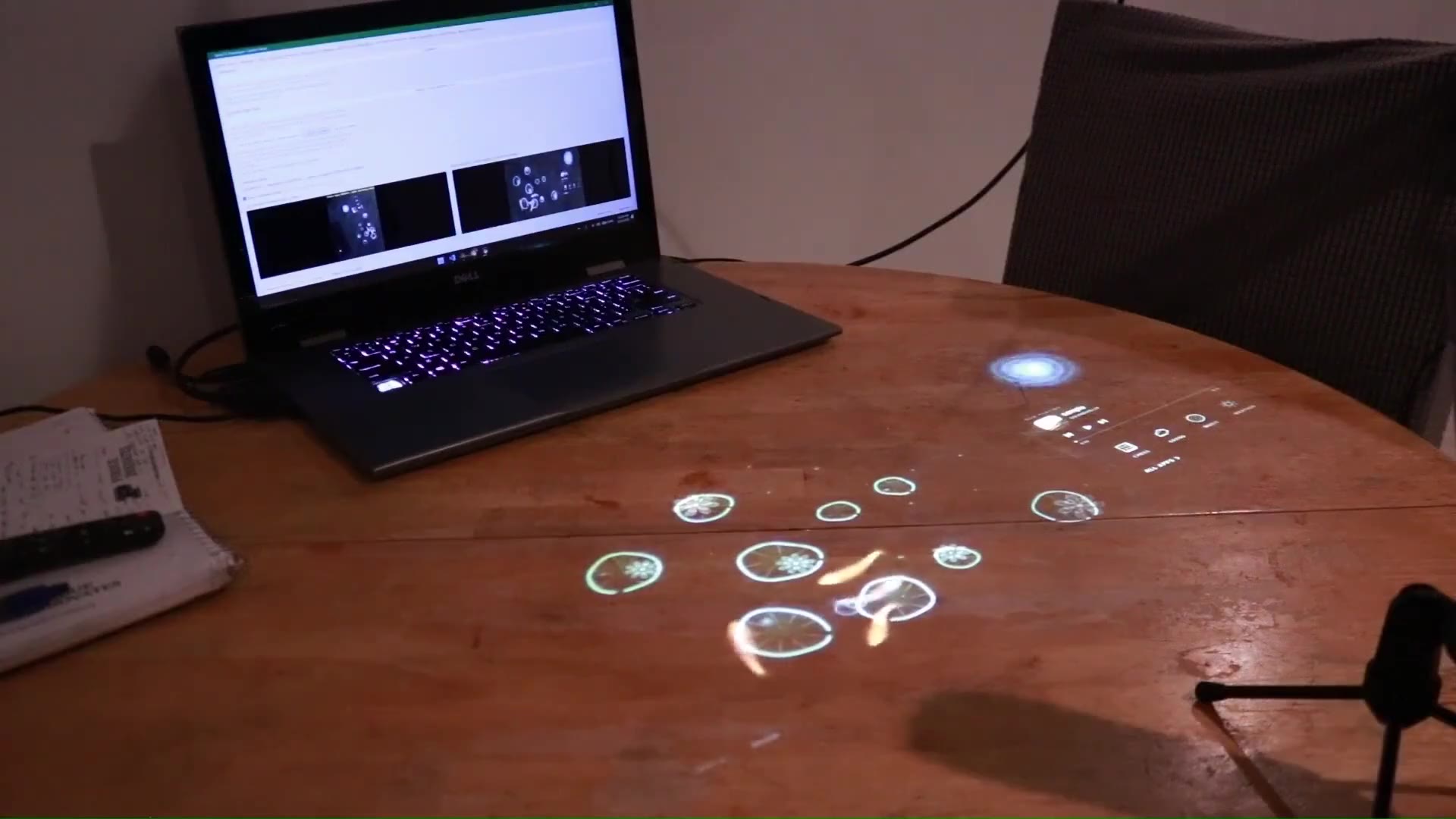
Stage
Light shows the setup.
Every object's exact pose is projected onto the table. Operators set a scene in seconds, with no rulers and no tape.


Stage and verify the scene, run your policy, and review the results. Prism connects physical test conditions, recordings and scores in one evaluation workspace.
 Founders, Inc.
Define tasks and scoring rubrics. Assign runs to stations. Stage objects with projected guidance, verify the setup and keep video, telemetry and scores with each episode.
Compare policies, inspect failures and replay saved conditions. Scene history keeps changes to the setup and model traceable across evaluations.
Most robot evals measure the room. A cup a few centimeters off, a different scorer, a missed reset, and the number moves. Teams lose weeks rerunning trials they still can't trust.
Swing in success rate from centimeter-scale shifts in where objects start.
Disagreement between human scorers watching the same trial.
Episodes thrown out because the scene was set up wrong.
More trials needed to see a real policy change through the noise.
From an empty table to a scored, comparable result. One station, one operator, no guesswork.
Every trial runs the same way, every time. Light shows the setup, vision checks it, a model scores it, and the console keeps it.
Every object's exact pose is projected onto the table. Operators set a scene in seconds, with no rulers and no tape.
Identity, pose, occlusion and tolerance are confirmed before the robot moves. Mismatches can be reviewed before a trial is accepted.
Prism tracks the scene live while the policy runs, so the record of every trial matches what really happened.
Define scoring conditions for each task step. Review outcomes against the same rubric and keep the score with its evidence.
Results land in the console. Compare policies head to head, catch regressions, and see exactly where a robot fails.
See where each policy wins and fails across the table, how it compares to the last checkpoint, and which runs need a look.
| Run | Case | Result | Station | Scored by |
|---|---|---|---|---|
| run-4f2a | cup-to-plate · rot-45 | 9 / 10 | lab-a / 07 | Prism VLM |
| run-4f29 | cup-to-plate · clutter | 6 / 10 | lab-a / 03 | Prism VLM |
| run-4f28 | drawer-open · low-light | 4 / 10 | lab-b / 12 | Prism VLM + review |
Simulation is fast but it is not the world your robot ships into. Hand-run evals are real but they drift. Prism gives you the real world with the repeatability of a simulator.
Less noise between runs means 30 controlled trials tell you what 300 brute-force trials used to.
The same scene is staged and verified before every run, so each trial counts.
Down from 40% between repeated runs of the same test condition.
Resets, reruns and result cleanup your engineers never had to do.
“Before Prism we argued about whether a new checkpoint was better. Now we stage the same fifty conditions, run them overnight, and the console tells us. It changed how fast we ship.”
Open any part to see how it works.
Projector, depth cameras and on-board compute in one unit that mounts over any workcell.
Define a test once: object poses, task, rubric and success criteria. Replay it exactly, forever.
A vision-language model scores every trial against your rubric, with a written reason you can audit.
One place for every station, run and result across your whole organization.
Plug Prism into the stack you already have. Stream runs in, trigger scenes, pull results out.
Built for teams running many stations across many sites, with your data kept private to you.
Prism changes one condition at a time: position, orientation, clutter, objects or light. You get a map of exactly where each policy holds up and where it breaks, before your customers find out.
Compare policies under identical physical conditions and see real gains, without arguing over whose run was cleaner.
Guided setup and automatic scoring let a small team run hundreds of trustworthy trials a day across every station.
A clear, repeatable score for every model you ship, with the evidence behind it when investors and customers ask.
Place the station over your workcell and plug it in.
Add it to your organization in the console with a one-time code.
Prism maps the table and locks the calibration.
Load your cases and start scoring trials the same afternoon.
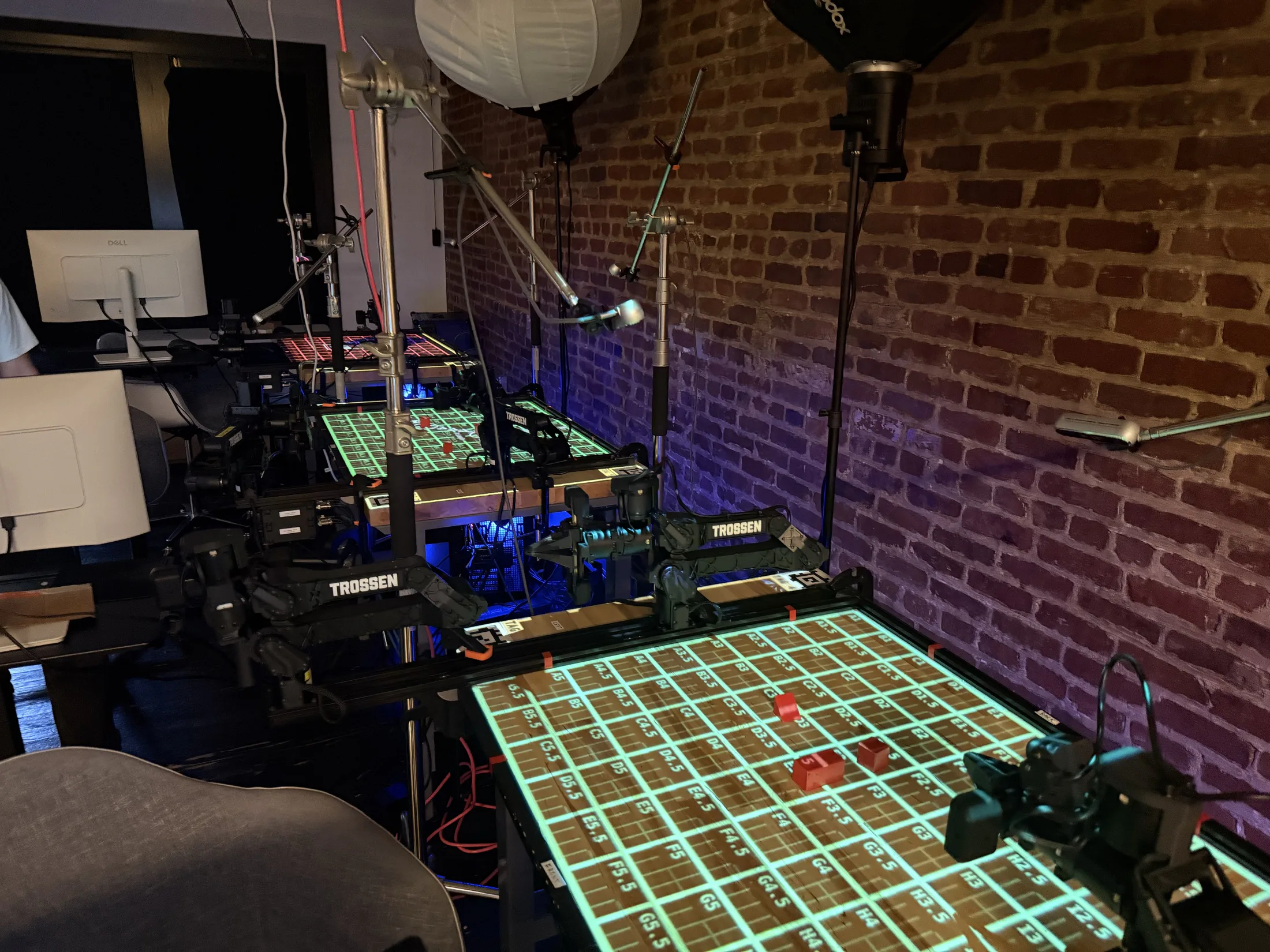
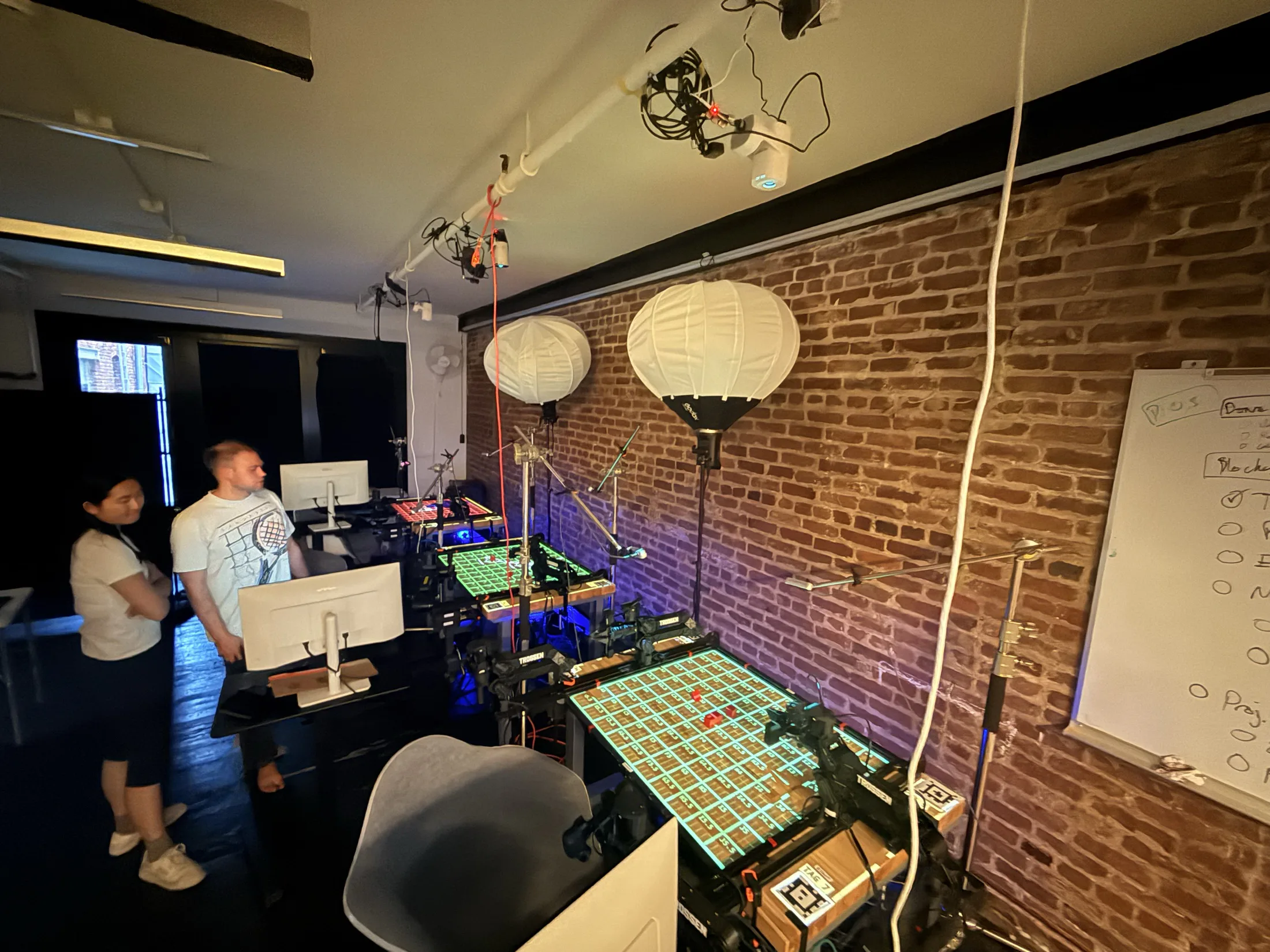
We install a station on your workcell, build your first test suite with you, and hand you a report on your own policies. If it doesn't change how you evaluate, you don't continue.
We have shipped products to millions and run robots in research labs. Now we build the tool we always wanted: a way to set up the physical world exactly, every time, and trust the number that comes out. Based in San Francisco.
Yes. Prism controls and checks the physical scene around the robot, so it works with any arm, gripper, policy or training framework. Results come into the console from the station, or from your own harness through the API.
Prism scores every run automatically. Its vision-language model watches the trial, judges it against your rubric and records the reason with the recording. Your team sets the task steps, scoring conditions and success threshold.
Every engagement starts with a 30-day pilot on your own robot. After that, stations are priced per workcell with the console, scoring and support included. Book a call and we will size it to your lab.
Most teams go from unboxing to scored trials in a day. We help set up your first test suite and stay on call while your team gets going.

Policy evaluation, regression testing and capability mapping on one platform.